


Muggsy Sketch
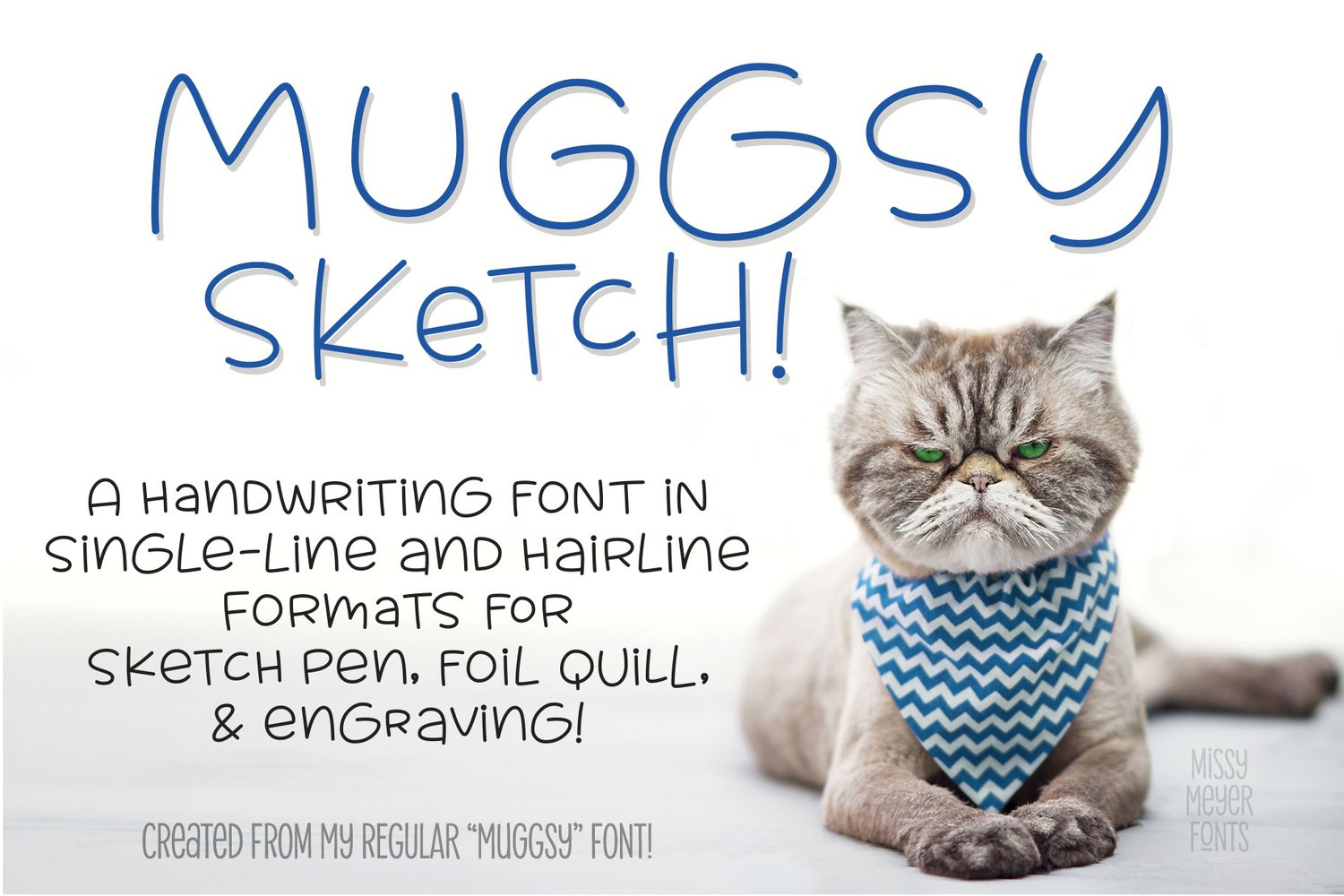
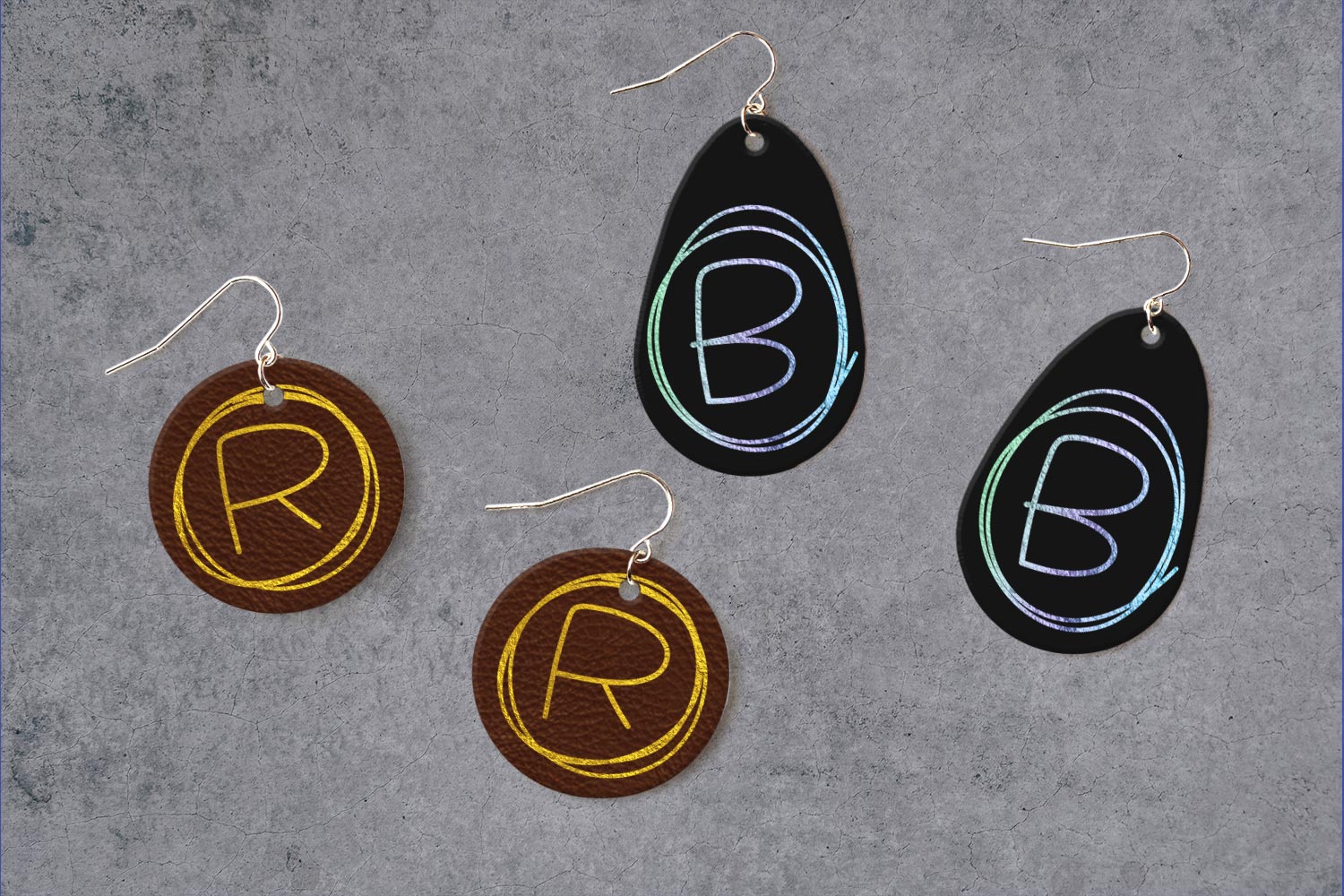
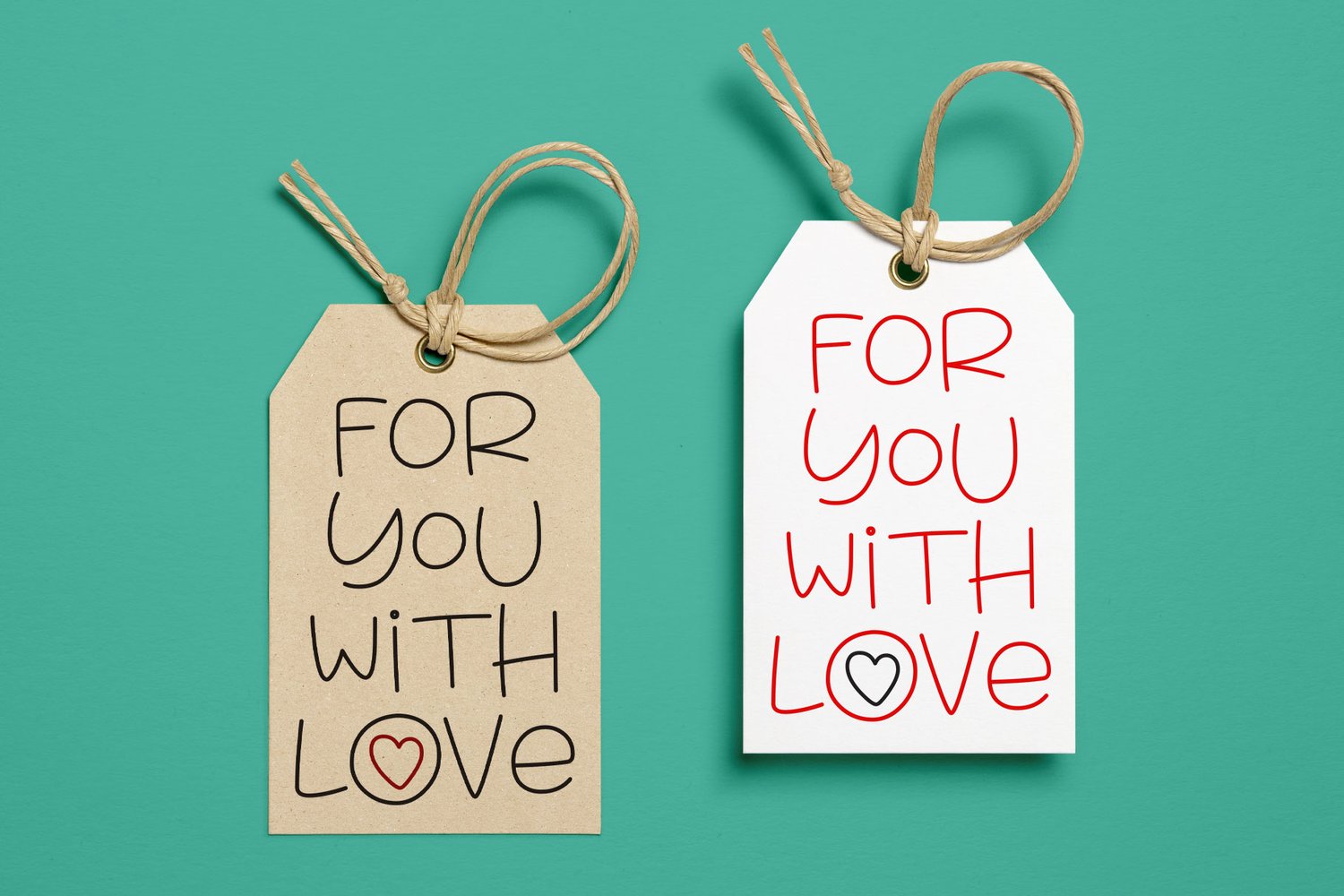
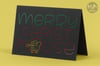
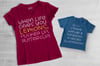
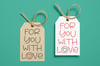
A lot of single-line and hairline fonts are on the more formal side. So I decided to take one of my favorite quirky handwriting fonts, MUGGSY, and convert it to single-line format! It has all the same features, but in a format built for sketch pens, foil quill, engraving, infusible ink pens, and more!
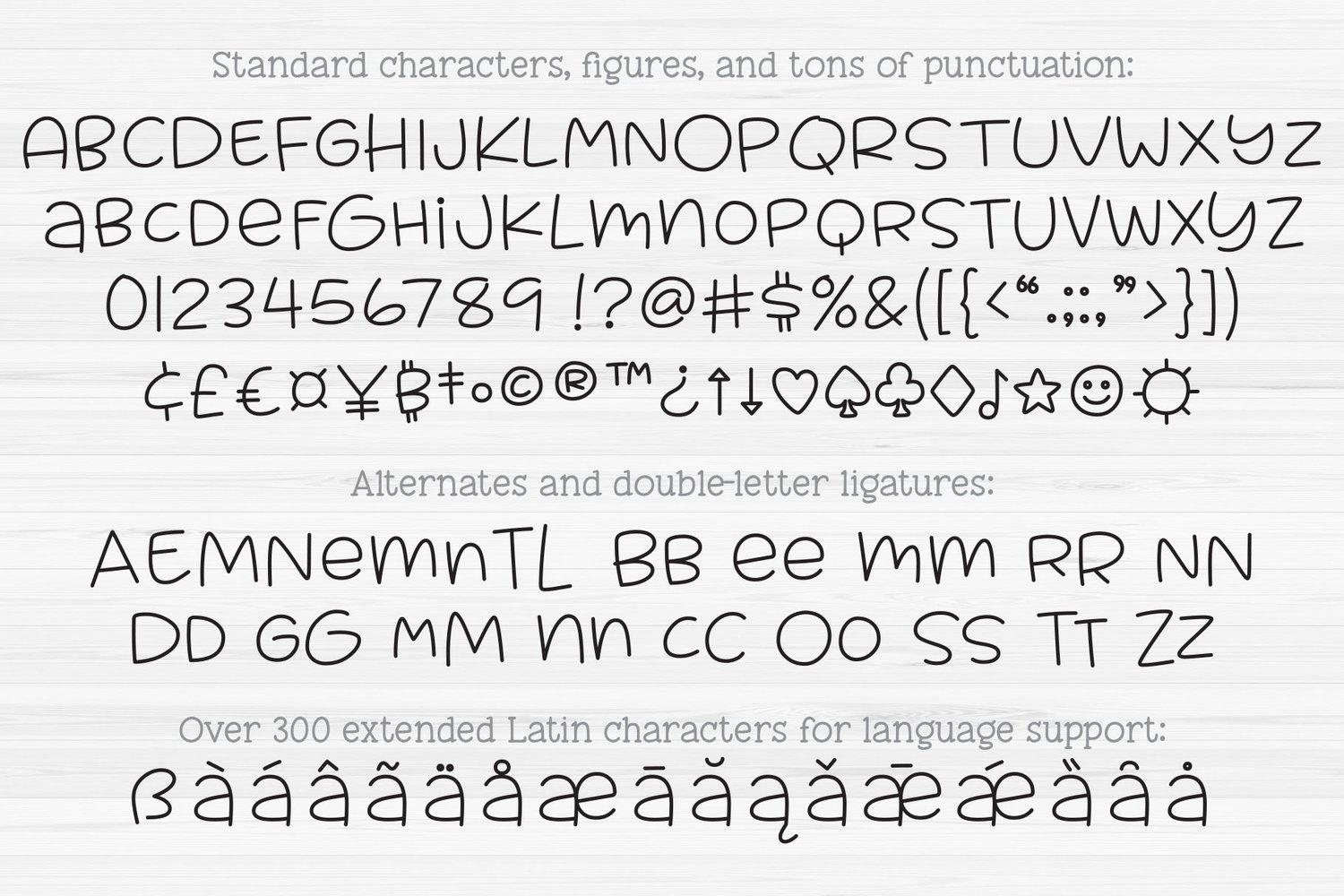
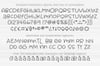
MUGGSY has two uppercase-height alphabets (with a few lowercase-style letters like a and e in the lowercase set), plus a full set of 63 "smallternates" -- the same letters, numbers, and ampersand sized down, so they can be mixed in with the full-size letters for variety. Plus 30 double-letter ligature sets, and a few additional alternates! You also get a ton of punctuation, and my usual 300+ extended Latin characters for language support, for a total of over 600 glyphs.
The download includes:
- Muggsy Sketch 1 (single-stroke TTF, used in CNC/specialty programs);
- Muggsy Sketch 2 (double-stroke TTF, used in most design programs);
- Muggsy Sketch OPF (single-stroke OPF for use in very specific programs);
- Muggsy Sketch Alphabet SVG (all single-stroke letters in one file);
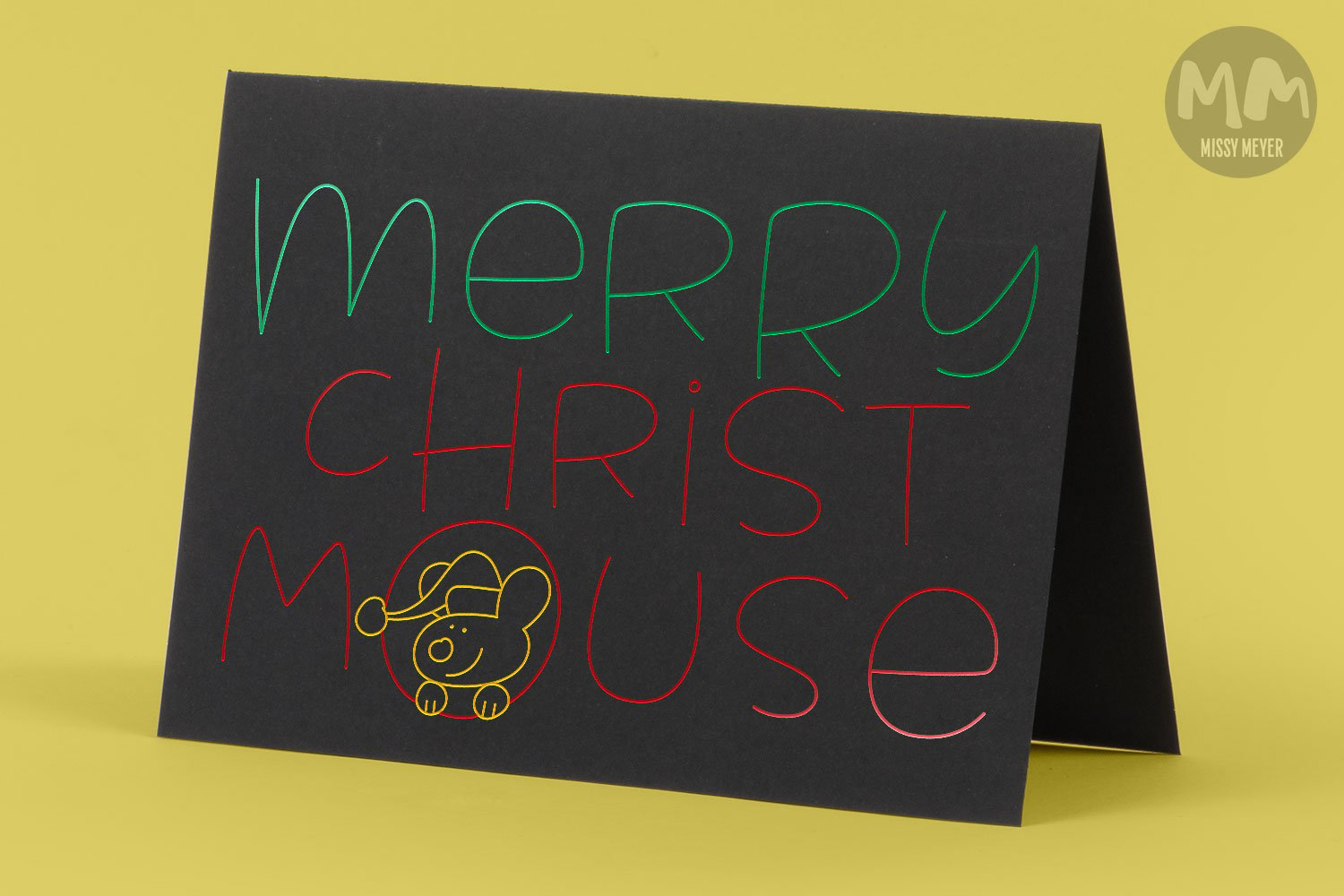
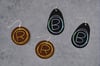
Note: Single-stroke and double-stroke fonts aren’t your ordinary fonts; they can’t be used for word processing, printing, or cutting. They’re meant for a sketch pen, foil quill, engraving tool, infusible ink pen, Glowforge scoring, or any other stylus or nib that draws letters with a single line instead of an outline. This font comes in both a single-line version and a double-line version; different software programs will use different formats. Due to known issues with Brother CanvasWorkspace, I cannot guarantee that any single-line fonts will work in that program.
Not sure which of the two font styles you need? Be sure to check out the PDF guide to single-line fonts included in your download to help with which font to select, and how to use the font in specific programs!
Update (2021): Due to issues with Cricut Design Space, you may receive an error when going to the "Make It" screen. Please see the included PDF guide on how to work around known errors in this program!
Update (2023): Due to issues with Brother CanvasWorkspace, I cannot guarantee that the TTF fonts will work in that program; BCW is apparently very finicky with these fonts. There is an SVG file available to use if you have issues with the TTF fonts!
----------
NOT SURE IF YOU CAN USE SINGLE-LINE FONTS? Why not go grab my freebie Spicy Sketcher first, to see if your software will work with this font type! https://linefonts.com/spicy-sketcher/ -- Plus, you can visit my https://linefonts.com website for software guides, help, and information!
----------
LICENSING:
You're purchasing my one-user standard desktop license. You can read the whole thing before you buy here! https://bit.ly/missylicense


